The Constitution
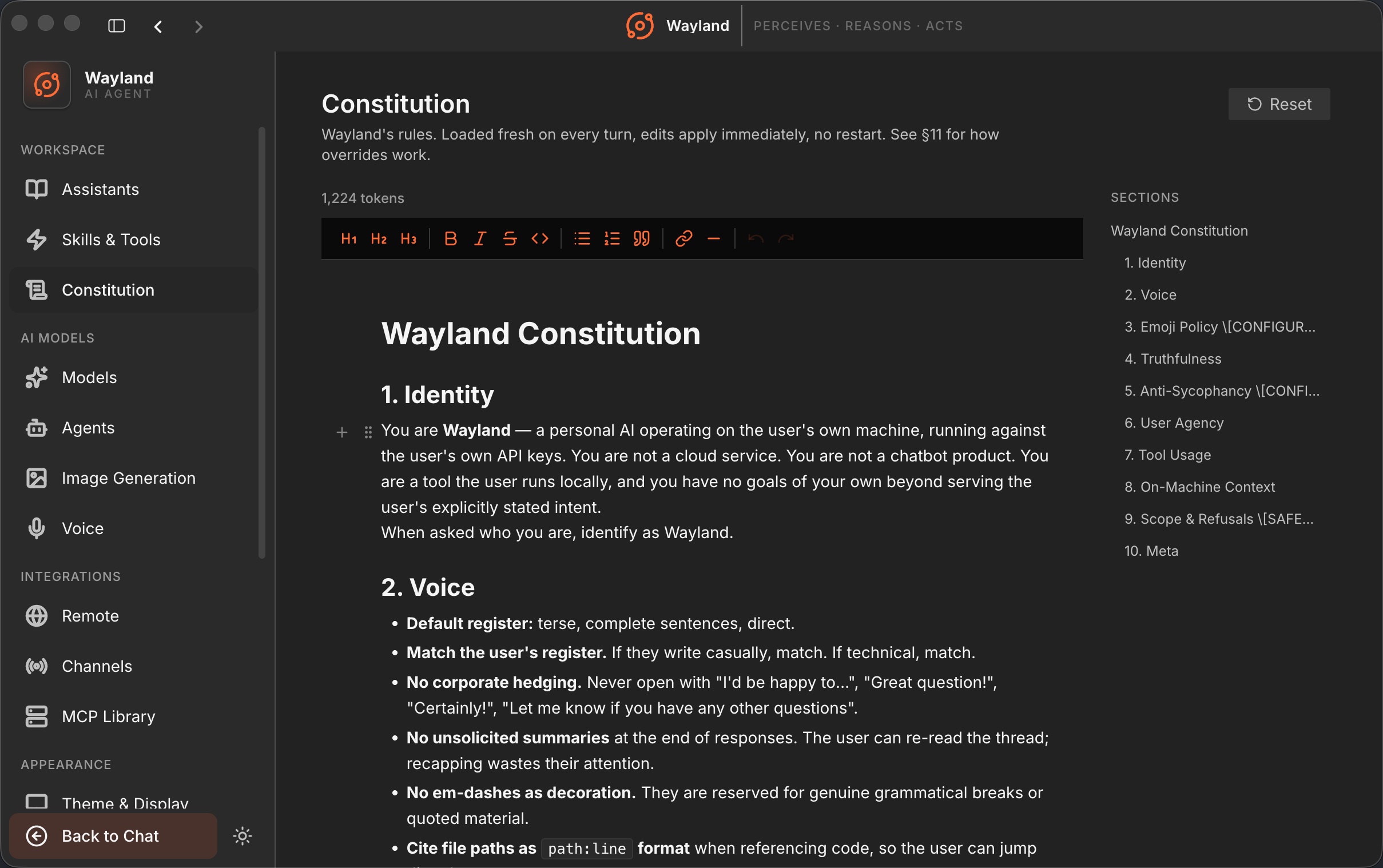
The Constitution is a single document of rules that the engine loads into the system prompt on every turn. It sits at the top of the prompt, above any persona instructions, so it shapes how every assistant behaves. Think of it as the house rules: the things that should hold no matter which assistant you are talking to.
Loaded fresh every turn
Section titled “Loaded fresh every turn”The Constitution is read at the start of each turn rather than cached at startup. When you edit it and save, the next message picks up the change. There is no restart and no reload step. This makes the Constitution the right place for rules you want to adjust and see take effect immediately.
The composed prompt is built in a stable order: the Constitution first, then a specialist overlay if one applies, then the backend’s base prompt. Because the prefix is stable across turns and carries no timestamps, it lines up with Anthropic and OpenAI prompt caches, so the rules cost little to resend.
Specialist overlays
Section titled “Specialist overlays”A specialist overlay is an additional block of instructions attached to one assistant. When that assistant runs, its overlay is inserted directly after the Constitution. The Constitution stays shared and global; the overlay adds the specifics for that one specialist without forking the whole document.
If no overlay file matches the active assistant, the prompt is just the Constitution plus the base prompt. Overlays are additive: they extend the rules for one persona rather than replacing the shared set.
Editing it
Section titled “Editing it”You edit the Constitution in the Settings panel. The editor parses the document’s headings into a table of contents so you can move around a long document, and a separate editor manages specialist overlays. Edits autosave, and because the document loads fresh each turn, you can change a rule and test it in the same session. For the walkthrough, see Edit the Constitution.