Settings: MCP Library
The MCP Library panel manages Model Context Protocol servers: the tool servers your agents can call. It has a browse view for finding servers, an installed view for the ones you have, a detail view per server, and a modal for adding a custom server.
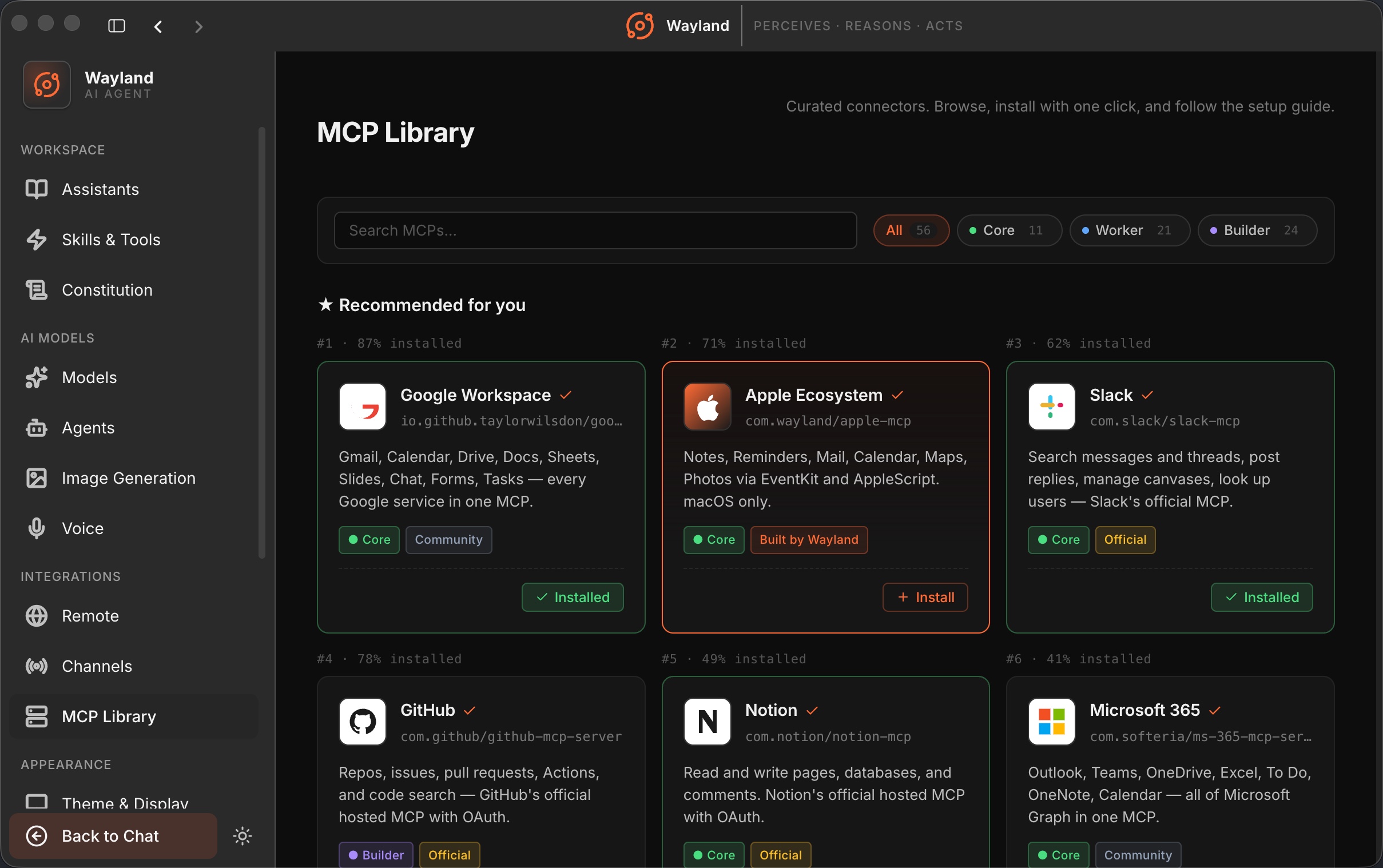
Browse
Section titled “Browse”The browse view lists servers available to install. Each entry shows its title and an Install action. Some servers connect through OAuth; others let you bring your own credentials.
Installed
Section titled “Installed”The installed view lists your servers, split into those installed from the library and your custom servers. A summary reports running, warning, and error counts plus total tools.
| Per-server control | Description |
|---|---|
| Status | One of running, stopped, warn (needs login), or error. |
| Enable toggle | Start or stop the server. |
| Agent status | Which agents the server is installed for. |
Detail page
Section titled “Detail page”The detail page shows a server’s title, description, tools, and credential or login state, with the install or connect action.
Add server modal
Section titled “Add server modal”The add-server modal registers a custom MCP server that is not in the library, by transport and connection details.