MCP
The Model Context Protocol (MCP) is an open standard for connecting an agent to external tools and data. Wayland is a full MCP client: it connects to MCP servers, lists the tools they offer, and registers those tools alongside the built-in eight. An MCP server is how you give the agent abilities it does not ship with, like querying a database or calling a third-party API.
Transports
Section titled “Transports”The engine connects to servers over three transports:
- stdio: the server runs as a local subprocess and exchanges messages over standard input and output.
- SSE: server-sent events over HTTP.
- streamable-http: HTTP with streaming responses.
stdio is the common choice for a tool you run locally; the HTTP transports suit a server running as a network service.
How a server joins the registry
Section titled “How a server joins the registry”When the engine connects to a server, it performs the protocol handshake, asks the server to list its tools, and registers each one in the tool registry. From that point the tools are available to the model like any built-in. When tool names collide across sources, MCP tools are auto-prefixed as mcp__{server}__{tool} so each name stays unique.
Servers can mark tools as deferred, so their schemas load only when the agent reaches for them through ToolSearch rather than costing prompt tokens up front. A host driving the engine over the JSON stream can also inject MCP servers at run time, so the available tools can change during a session rather than being fixed at startup.
Desktop library versus engine config
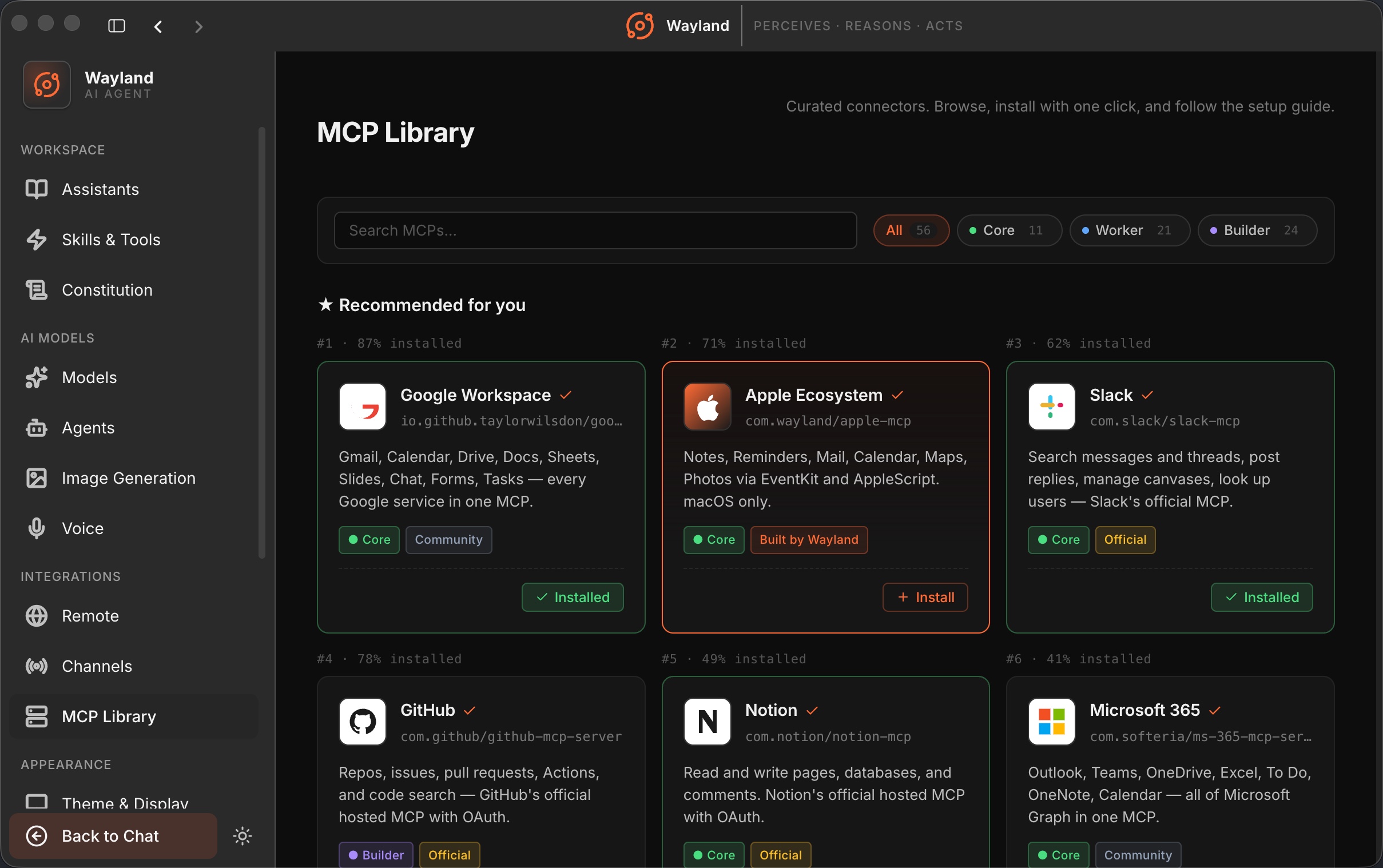
Section titled “Desktop library versus engine config”The desktop has an MCP Library where you browse, install, and manage servers, and it syncs installed servers to your agents for you. The engine reads the same kind of server definitions from its config file. Both end at the same place: a connected server whose tools sit in the registry. Use the library when you want a guided install in the app, and the config file when you are wiring servers from the command line. See Install and Configure MCP Servers.