Projects and Workspaces
A project is a scoped working context. It ties an assistant or team, its conversations, its memory, and its files to one piece of work, so the work stays organized rather than spread across unrelated chats. When you move into a project, the agent works within that project’s scope instead of a generic global one.
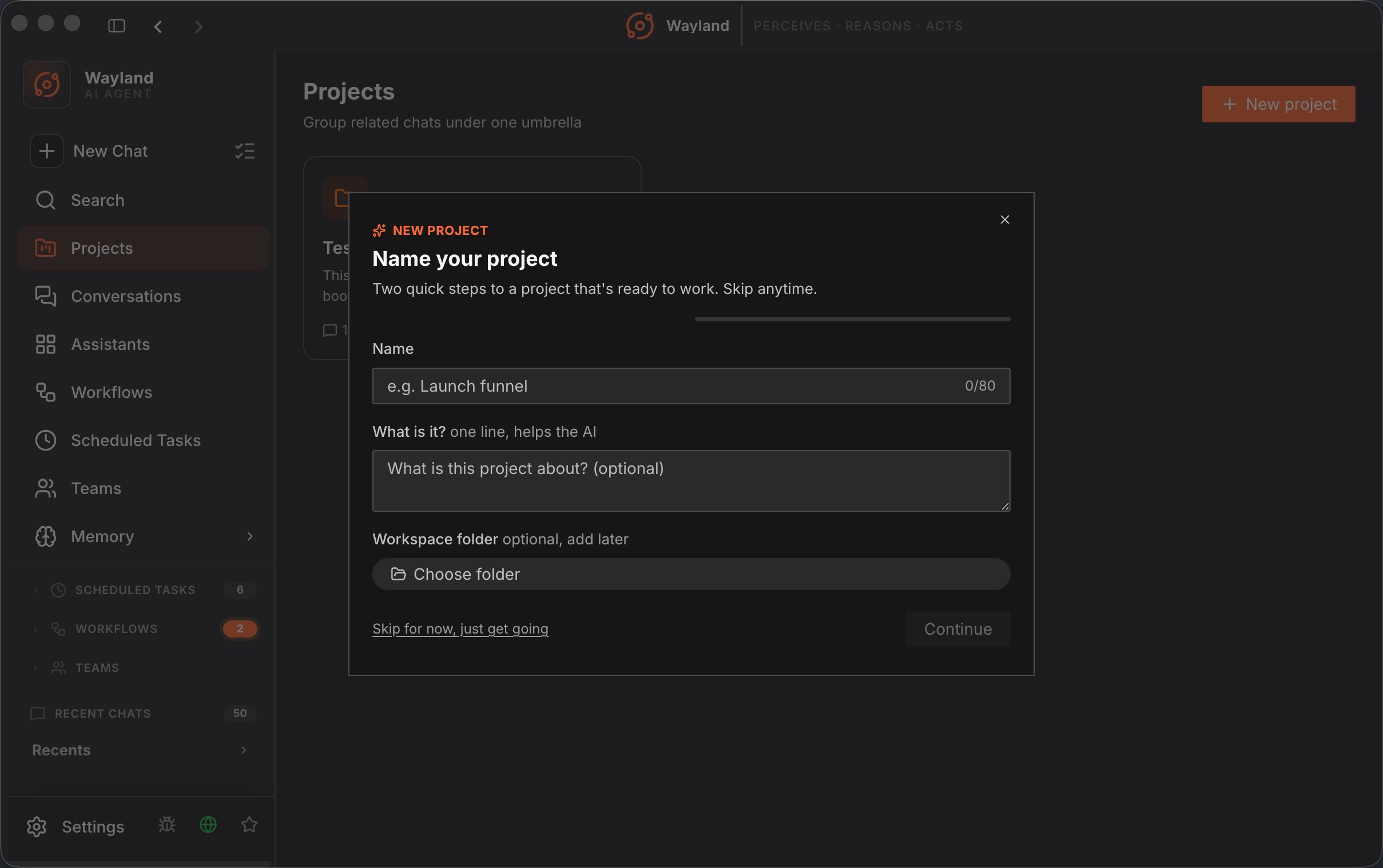
The projects surface
Section titled “The projects surface”The desktop shows your projects as a grid of tiles. You can create a project from a single field for a quick start, or use the New Project wizard when you want to set more up front. Opening a project takes you to its workspace page, where the conversations, activity, and results for that project collect in one place.
A project gives an assistant a stable home. Rather than starting a new chat each time and re-establishing context, you return to the project and the relevant history, memory, and scope are already there.
How projects map to the engine
Section titled “How projects map to the engine”A desktop project corresponds to a project directory in the engine. The engine scopes its work to a project root, which is where it reads and writes per-project memory and where it resolves project context. On the command line, --project-dir sets that root, and the project-context command resolves the project’s instructions.
This mapping is why the two surfaces stay consistent. The project you open in the desktop and the directory you point the CLI at are the same scope, so memory written in one is visible in the other, and the agent’s working context matches.
A persistent workspace
Section titled “A persistent workspace”Each project keeps a persistent workspace by default. The files the agent reads and writes for a project stay put between sessions, so when you reopen the project the work is where you left it rather than discarded. There is no temporary scratch directory that gets cleaned up underneath you: the project root is the durable home for that piece of work, session after session.
Project chats, files, and history
Section titled “Project chats, files, and history”Conversations you open inside a project save into the project’s shared workspace, so every chat in the project sees the same folder and that folder opens on click. Each chat row shows when it was created, files in the project Files view move with drag and drop, and a click opens a preview.
A History tab on the project page shows the project’s timeline, so you can scan what happened in a project without reopening each conversation.
Project context files
Section titled “Project context files”Within a project root, the engine loads hierarchical instruction files (such as AGENTS.md) by walking up from the working directory. These give the agent project-specific rules without touching the global Constitution. A project can therefore carry its own conventions while the shared rules stay in place.