Generate Images in Chat
Wayland can generate images inline in any conversation once Flux Router is connected. Flux Router is a single provider that routes to every image model behind one key, so you connect it once and never juggle separate keys for OpenAI, Gemini, or other image models.
Before you start
Section titled “Before you start”Image generation runs through Flux Router, so you need the Flux Router provider connected before you can generate. Connect it in Settings > Models: open the provider browser, choose Flux Router, and paste your Flux key (it starts with sk-flux-). One Flux Router key covers all of the image model arms below, so you do not need a separate FAL or per-model key. If you do not have a Flux key yet, you can create an account from the Flux members area. To connect a provider, see Add a Cloud Model Provider.
Once Flux Router is connected, image generation works in any conversation with no further setup.
Generate an image
Section titled “Generate an image”- Open any conversation with an assistant that has the image tool enabled.
- Type a prompt describing the image you want. For example: “Draw a moody ink sketch of a city at dusk.”
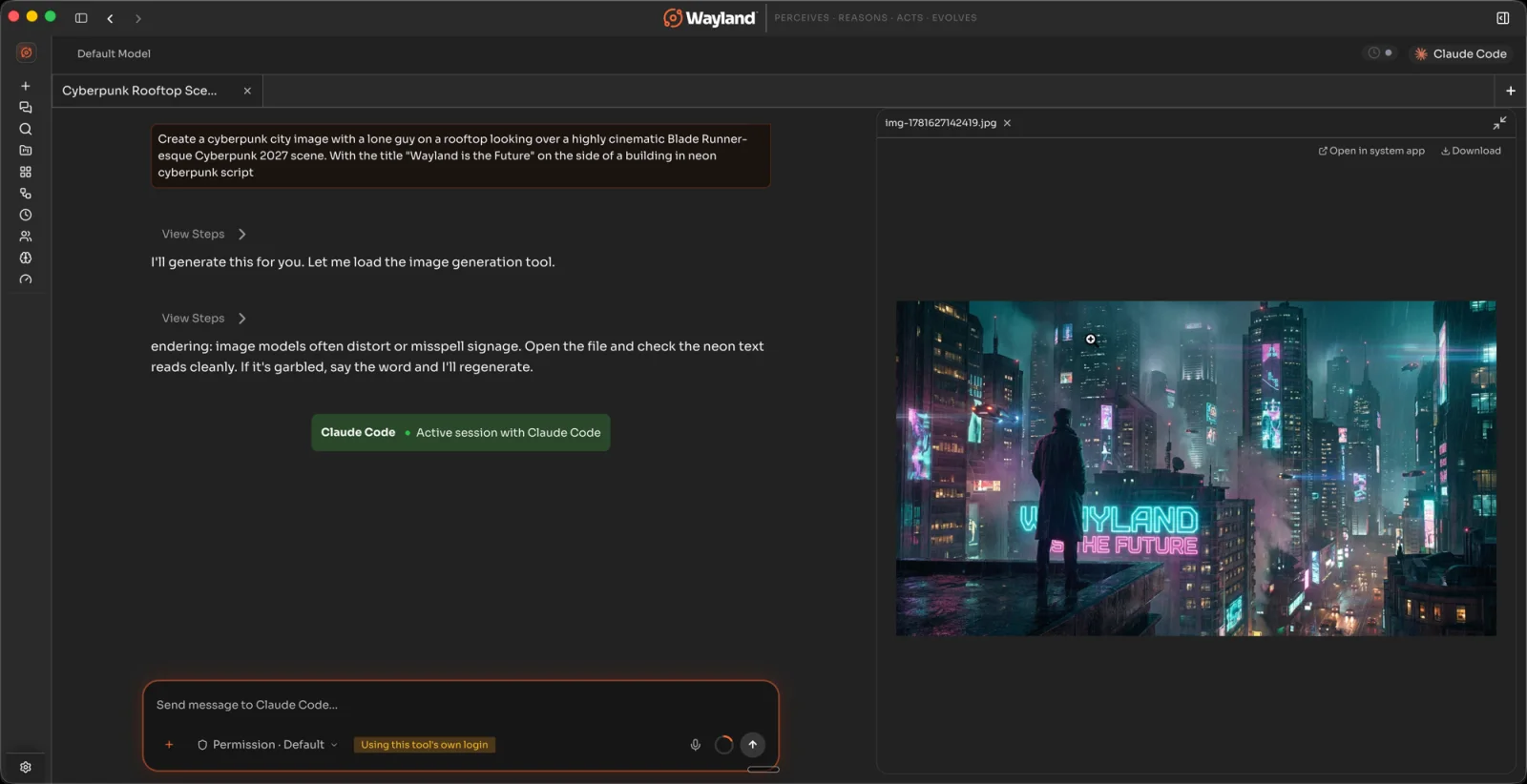
- The assistant calls the image tool and the generated image appears inline in the reply.
Images are also saved to your workspace directory automatically.
Choose a model arm
Section titled “Choose a model arm”By default, Wayland uses the Flux Image arm (the first row in the table below). It is not a separate model: it lets Flux Router pick the best-performing arm for each request. You can pin a specific arm instead if you want a consistent style or want to control cost.
The available arms, in order from the picker, are:
| Arm | Label | Notes |
|---|---|---|
flux-image | Flux Image | Recommended. Flux picks the best arm per request. |
gpt-image-high | GPT Image (High) | High-quality OpenAI arm. Requires a verified OpenAI org behind Flux. |
nano-banana-pro-4k | Nano Banana Pro 4K | Google Gemini-backed. SynthID watermark notice applies. |
nano-banana-pro-2k | Nano Banana Pro 2K | Google Gemini-backed. SynthID watermark notice applies. |
gpt-image-high-xl | GPT Image (High XL) | Extended OpenAI arm. Requires a verified OpenAI org behind Flux. |
nano-banana | Nano Banana | Google Gemini-backed. SynthID watermark notice applies. |
gpt-image-med | GPT Image (Medium) | OpenAI medium quality. |
flux-image-together-flux | Together FLUX (Fastest) | Fastest option, lower fidelity. |
To change the arm, open Settings > Image Generation and pick from the model picker. The selection applies to all image generation requests until you change it.
SynthID watermark
Section titled “SynthID watermark”The Nano Banana arms (including Pro 4K and Pro 2K) are backed by Google Gemini image models. Google applies a SynthID watermark to images produced by these arms. The watermark notice is passed through in the tool response when it is present.
Error handling
Section titled “Error handling”| Error | What it means | What to do |
|---|---|---|
premium_locked (402) | Image generation needs a paid Flux plan. No charge was made. | Upgrade your Flux plan or clear a pending charge, then try again. |
price_exceeds_max_price (402) | The image exceeded the price ceiling. No charge was made. | Try a cheaper arm such as Together FLUX (Fastest), or raise your Flux price ceiling. |
spend_ceiling_unresolved (402) | Your Flux account needs a payment method before generating images. No charge was made. | Add a payment method in the Flux members area. |
organization_must_be_verified (403) | The gpt-image arm requires a verified OpenAI organization behind Flux. No charge was made. | Pick a non-gpt-image arm such as Nano Banana, or verify the organization in the Flux members area. |
| Flux key invalid (401) | Your Flux key is expired or invalid. | Reconnect Flux Router in Settings > Models. |