Sign in with ChatGPT
ChatGPT supports a keyless sign-in flow that lets you use your existing ChatGPT subscription in Wayland without generating or copying an API key. Once signed in, a curated set of GPT-5 and Codex models becomes available in the model picker for any conversation.
This is the same credential mechanism used by the Codex CLI. Wayland connects through OpenAI’s auth.openai.com authorization server and stores an encrypted token locally.
How the flow works
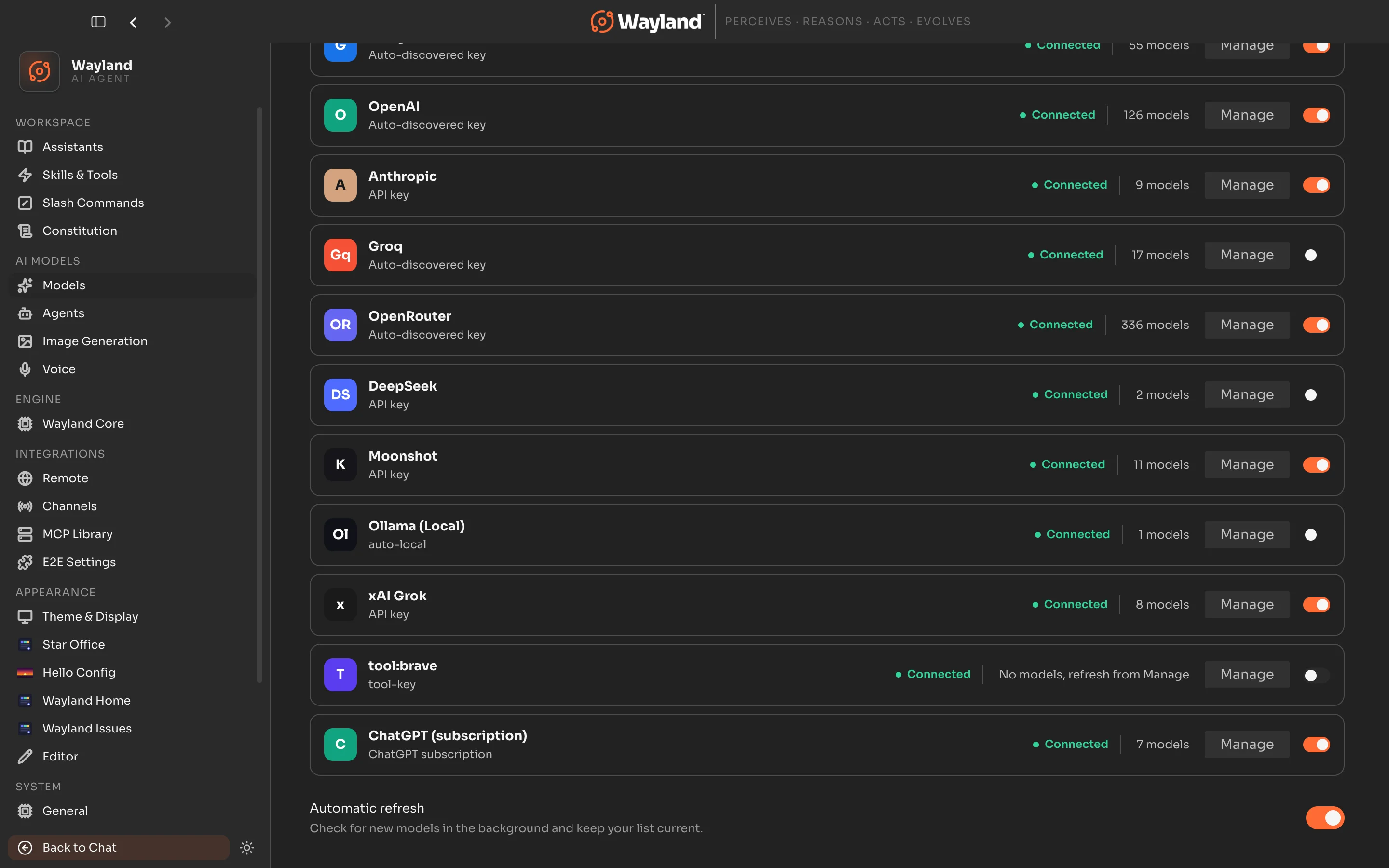
Section titled “How the flow works”- Open Settings > Models.
- Find the ChatGPT card and choose Manage.
- Click Sign in with ChatGPT.
- Wayland opens your system browser to the OpenAI authorization page. Sign in with your OpenAI account or approve the already-signed-in session.
- The browser tab closes automatically and Wayland shows a Signed in with ChatGPT confirmation in the Models panel.
The flow uses OAuth 2.0 Authorization Code with PKCE against auth.openai.com. No credential touches the clipboard. Wayland stores only an encrypted access token and refresh token on your machine.
Wayland binds a loopback callback server on port 1455, with 1457 as an automatic fallback if that port is in use. The redirect URI is http://localhost:<port>/auth/callback. There is no manual code-paste step.
If you already use the Codex CLI
Section titled “If you already use the Codex CLI”Wayland reads ~/.codex/auth.json before opening a browser. If that file contains a valid, non-expired ChatGPT session (for example, one written by the codex CLI), Wayland reuses it immediately and skips the browser entirely. You see a “Signed in with ChatGPT” state without any extra action.
After a successful in-app sign-in, Wayland also writes back to ~/.codex/auth.json (mode 0600, created with permissions 0700 if the directory is new). This means the Codex CLI and Wayland Core engine can also pick up the credential.
What models become available
Section titled “What models become available”The ChatGPT subscription provider uses a static catalog, because the ChatGPT backend does not expose a /v1/models listing. The following models become available in the model picker after sign-in:
| Model ID | Display name |
|---|---|
gpt-5.2-codex | GPT-5.2 Codex |
gpt-5.2 | GPT-5.2 |
gpt-5.1-codex-max | GPT-5.1 Codex Max |
gpt-5.1-codex | GPT-5.1 Codex |
gpt-5.1-codex-mini | GPT-5.1 Codex Mini |
gpt-5.1 | GPT-5.1 |
codex-mini-latest | Codex Mini |
These models route to chatgpt.com/backend-api/codex/responses, not api.openai.com. Standard OpenAI API keys cannot be used against this endpoint, and ChatGPT subscription tokens cannot be used against the standard API endpoint.
Signed in state
Section titled “Signed in state”Once connected, the ChatGPT card in Settings > Models shows a “Signed in with ChatGPT” row with a green check. A Reconnect button is available if you want to re-run the flow, for example after switching OpenAI accounts or if the session expires.
Wayland silently refreshes the access token before it expires, so you do not need to repeat the sign-in for routine use. The token carries a 5-minute proactive refresh buffer.
Sign out or reconnect
Section titled “Sign out or reconnect”To disconnect, open Settings > Models, find the ChatGPT card, choose Manage, and use the Disconnect option. This removes the stored token. The provider reverts to disconnected state and no requests are sent until you reconnect.
To reconnect with a different account, disconnect first, then click Sign in with ChatGPT again.