Settings: Notifications
The Notifications panel controls when and how Wayland sends system notifications. It is split into a system-notifications card and a sound card. When the master switch is off, no notifications are sent and the other rules are ignored.
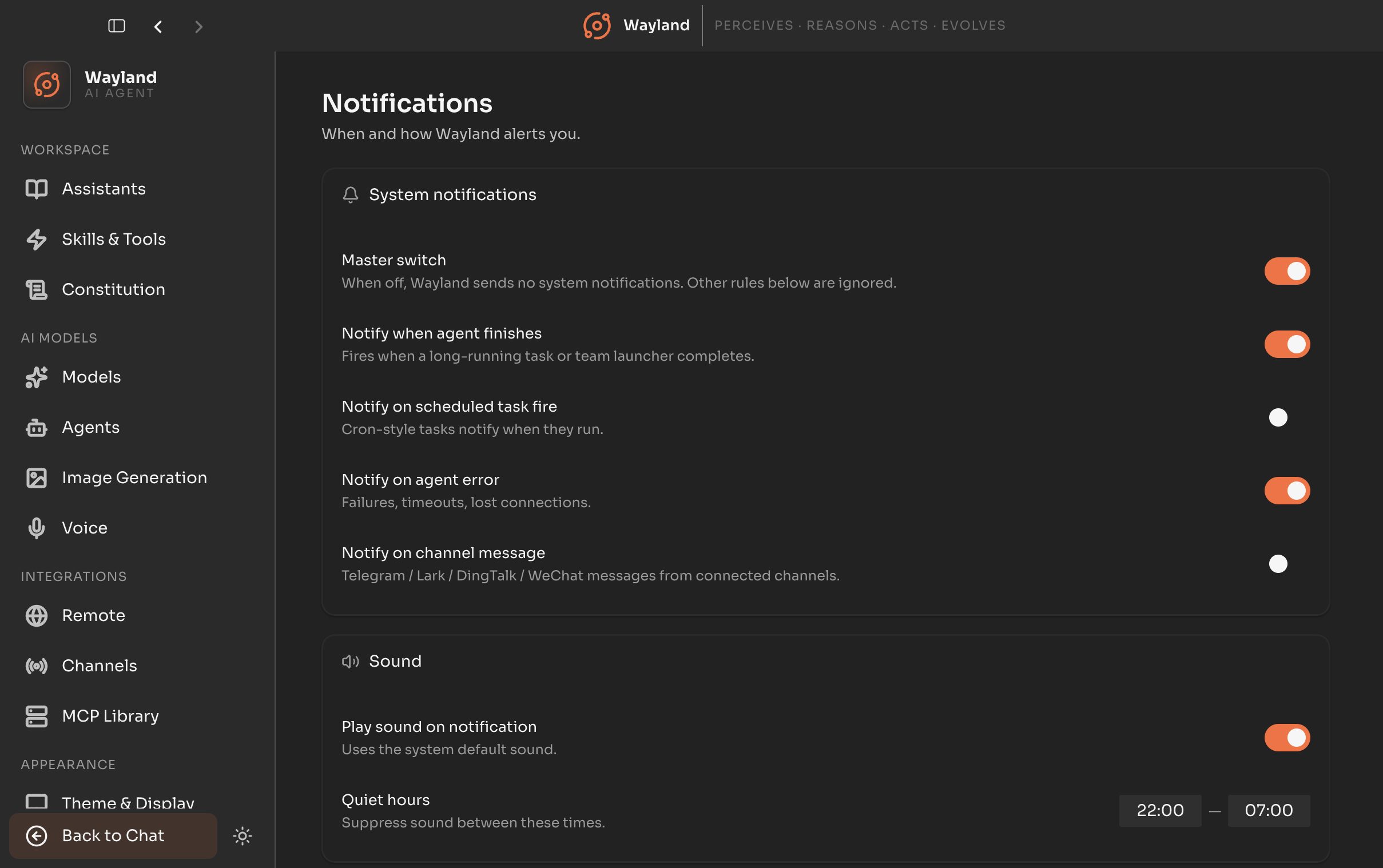
System notifications
Section titled “System notifications”| Control | Description |
|---|---|
| Master switch | When off, Wayland sends no system notifications. Default on. |
| Notify when agent finishes | Fires when a long-running task or team launcher completes. Default on. |
| Notify on scheduled task fire | Cron-style scheduled tasks notify when they run. Default off. |
| Notify on agent error | Failures, timeouts, and lost connections. Default on. |
| Notify on channel message | Messages from connected channels such as Telegram, Lark, DingTalk, and WeChat. Default off. |
| Control | Description |
|---|---|
| Play sound on notification | Uses the system default sound. Default on. |
| Quiet hours | Two time fields (start and end) that suppress sound between those times. Defaults to 22:00 to 07:00. |
The agent, channel, sound, and quiet-hours controls are disabled while the master switch is off.