Settings: Editor
The Editor panel sets how Markdown documents open, save, and render. All controls live in a single preferences card.
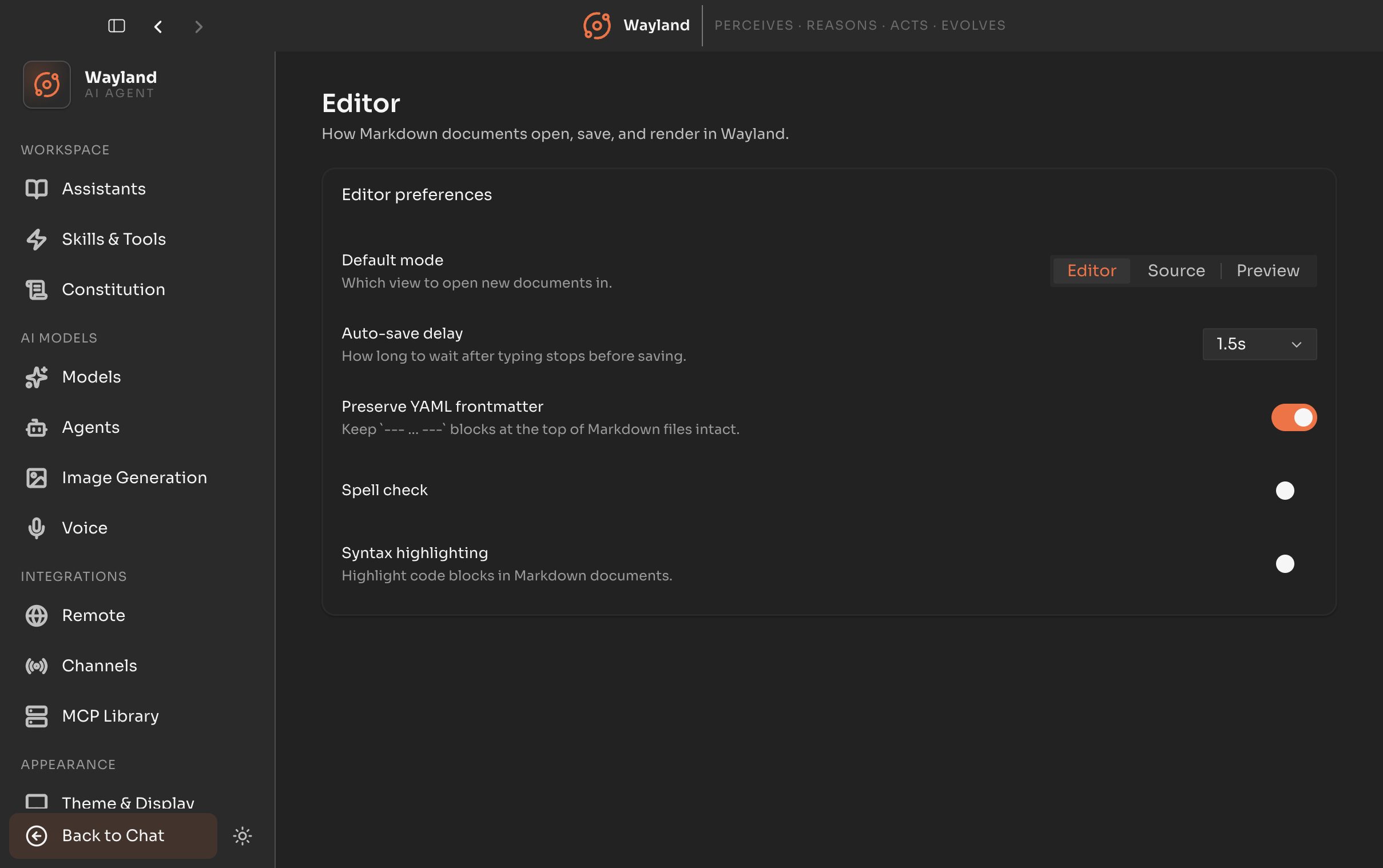
Preferences
Section titled “Preferences”| Control | Description |
|---|---|
| Default mode | How a document opens: Editor (rich), Source (raw Markdown), or Preview (rendered). |
| Auto-save delay | How long after a keystroke a document saves: 0.5s, 1s, 1.5s, 3s, or Off. |
| Preserve frontmatter | Keep YAML frontmatter intact when saving. |
| Spell check | Toggle spell checking in the editor. |
| Syntax highlighting | Toggle code-block syntax highlighting. |