Settings: Remote / WebUI
The Remote / WebUI panel runs a local web server so you can reach Wayland from a browser on the same machine or, when allowed, from other devices on your network. The panel covers enabling the server, login credentials, QR pairing, paired devices, and an activity log.
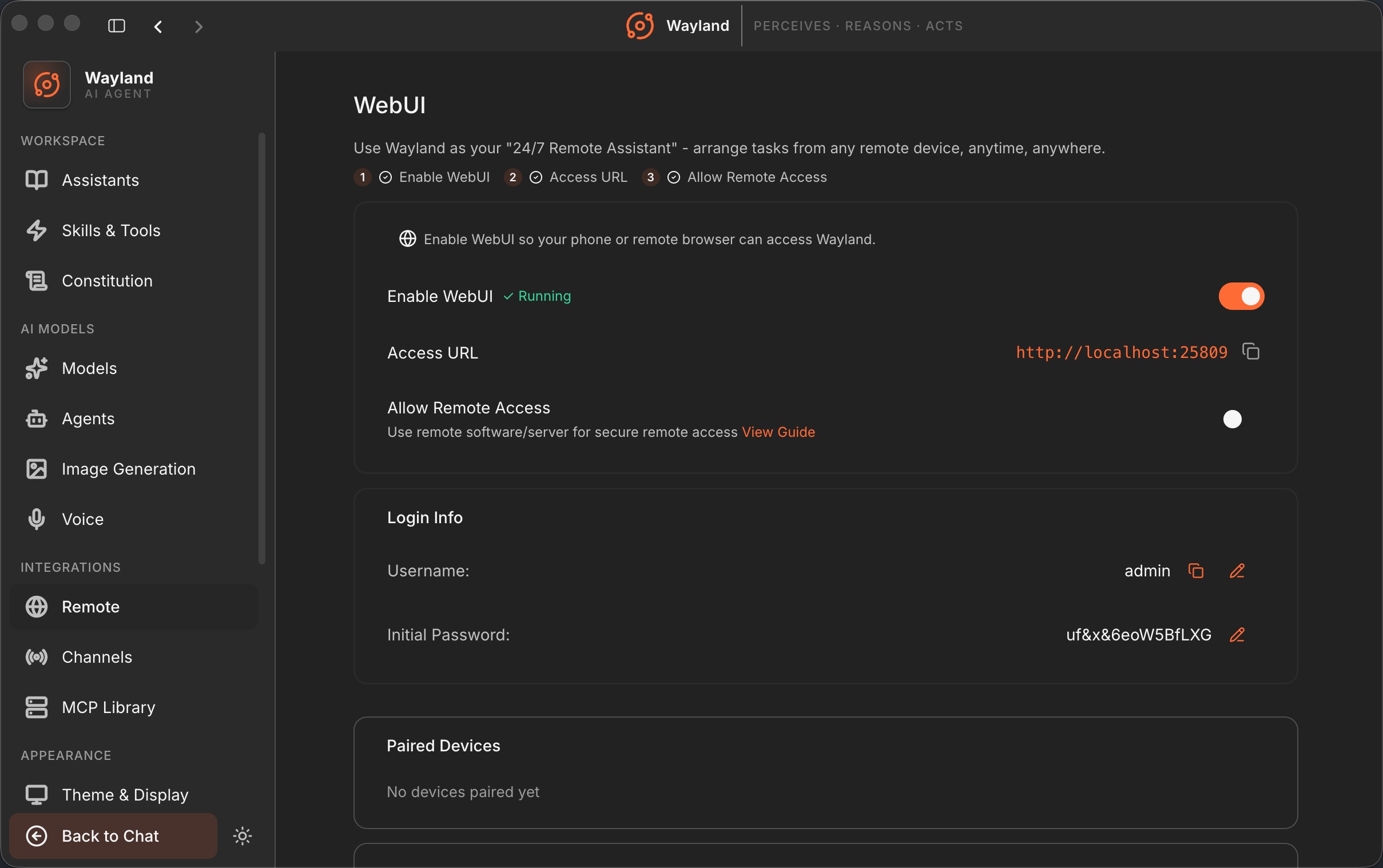
WebUI service
Section titled “WebUI service”| Control | Description |
|---|---|
| Enable WebUI | Start or stop the web server. Shows “starting” then “running” when up. |
| Access URL | The URL to open, shown once running, with a copy action. It points to localhost or the LAN address depending on remote access. |
| Allow Remote Access | Bind to the LAN so other devices can connect. Toggling restarts the server. Links to the remote access guide. |
Login info
Section titled “Login info”| Control | Description |
|---|---|
| Username | The admin username, with copy and an edit action. Changing it requires the current password and a desktop confirmation. |
| Initial password | The web password, shown in plaintext only on first start, otherwise masked. Edit to set a new password, with a forgot-password reset path. |
QR login
Section titled “QR login”When the server is running with remote access allowed, a QR code lets a device pair by scanning. It shows an expiry time and offers copy-link and refresh actions; the token refreshes automatically.
Paired devices and activity log
Section titled “Paired devices and activity log”Below the service card, a Paired Devices card lists devices that have connected, and an Activity Log card records recent access events.