Settings: General
The General panel holds app-wide preferences: language, startup behaviour, timeouts, uploads, a notification toggle, and the directory paths Wayland reads and writes.
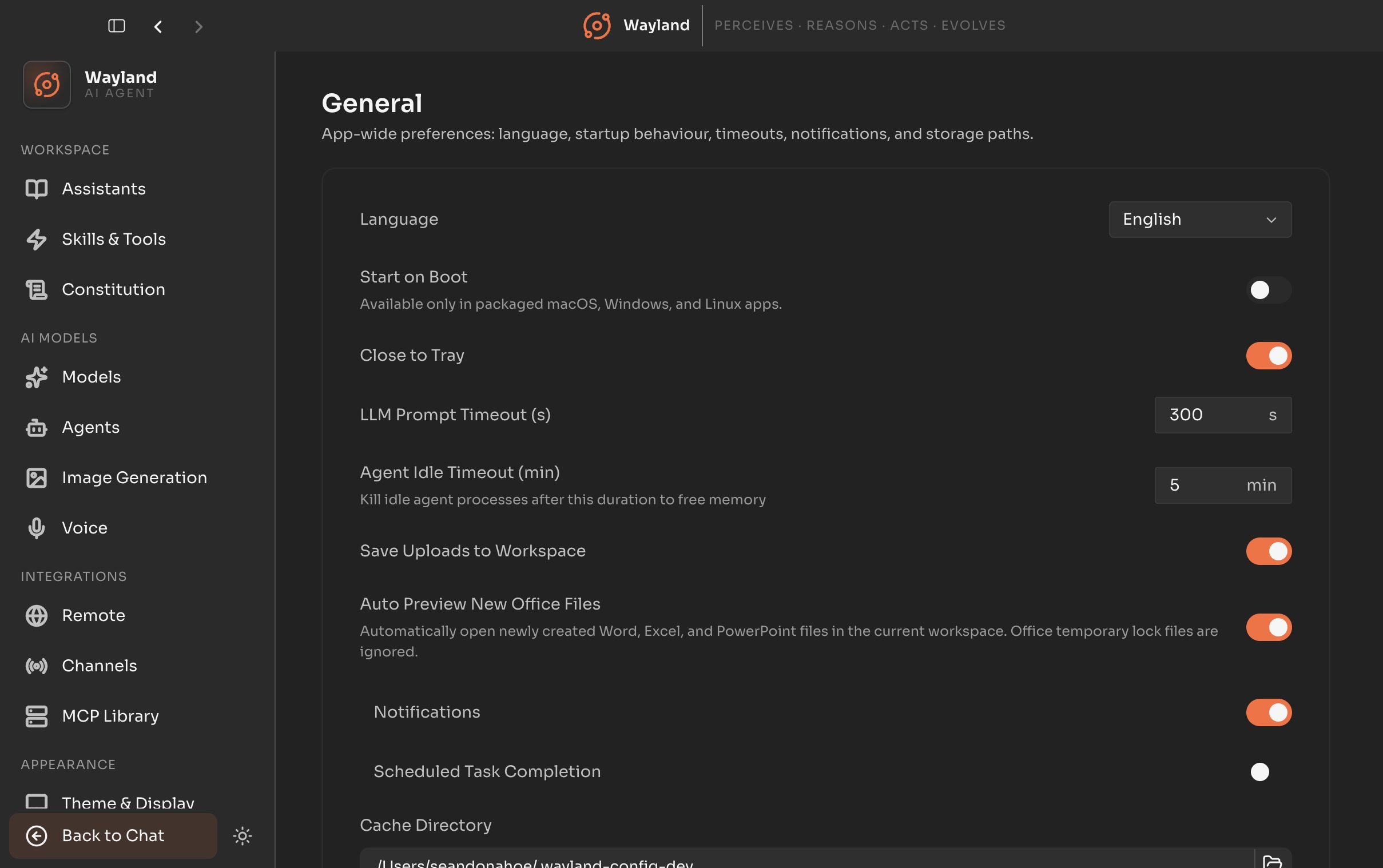
Preferences
Section titled “Preferences”| Control | Description |
|---|---|
| Language | The interface language. |
| Start on boot | Launch Wayland when you log in. Disabled where the platform does not support it. |
| Close to tray | Keep Wayland running in the tray when the window is closed. |
| Prompt timeout | How long a prompt may run before timing out, in seconds. Clamped between 30 and 3600. |
| Agent idle timeout | How long an idle agent is kept alive, in minutes. Clamped between 1 and 60. |
| Save uploads to workspace | Copy uploaded files into the workspace. |
| Auto-preview office files | Open office documents in preview automatically. |
Notification
Section titled “Notification”| Control | Description |
|---|---|
| Notification | A master notification toggle. Expanding it reveals the scheduled-task notification toggle. For the full set of notification rules, use the Notifications panel. |
Directories
Section titled “Directories”| Control | Description |
|---|---|
| Cache directory | The cache path. Changing it prompts for a restart. |
| Work directory | The workspace path. Changing it prompts for a restart. |
| Log directory | The log path. Read-only; click to open it in your file manager. |
A developer settings section appears only in development builds.